How to Edit WordPress Themes in 2026: A Safe, Step-by-Step Guide
Learn how to edit WordPress themes safely in 2026: Site Editor, Customizer, child themes, CSS and template files, plus edits that survive updates.
Learn how to update a WordPress theme safely in 2026: dashboard updates, manual ZIP uploads, child themes, backups and rollback steps that protect your edits.
Learn how to create a contact form on WordPress with a plugin or with code, then make sure every submission actually lands in your inbox in 2026.
Learn how to add live chat to a WordPress website in 2026: plugin setup, free options, manual script installs, and how to keep the widget from slowing your site.
Learn how to upload an HTML file to WordPress in 2026: Media Library, FTP, custom HTML blocks, plugins and full site conversion, plus the fixes that follow.
Learn how to add images on WordPress with the block editor, media library, galleries and Elementor, plus alt text, WebP sizing and upload error fixes.
Learn how to change the color of text in WordPress using the block editor, global styles, CSS and page builders, plus contrast tips that keep text readable.
Learn how to make a clickable phone number in WordPress with tel: links, the block editor, Elementor buttons, and mobile-only call bars. 2026 guide.
Learn how to upload a font in WordPress using the Font Library, a plugin, or @font-face. Formats, file locations, speed tips and fixes for 2026.
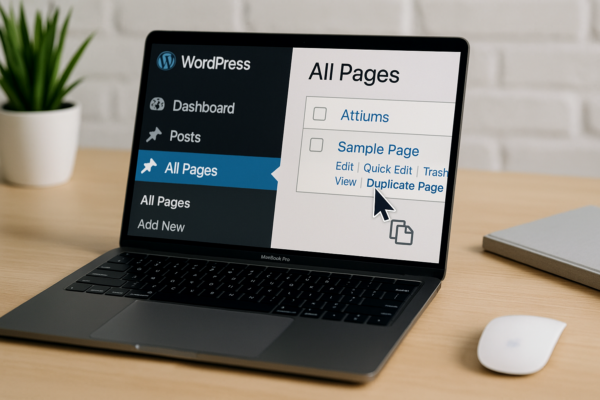
Learn how to duplicate a page in WordPress with or without a plugin, in Elementor or Divi, plus what cloning does not copy. Step-by-step 2026 guide.